

How do I add a vehicle?
To get started with Busnet, after registering and entering your personal information, you need to add your vehicle.
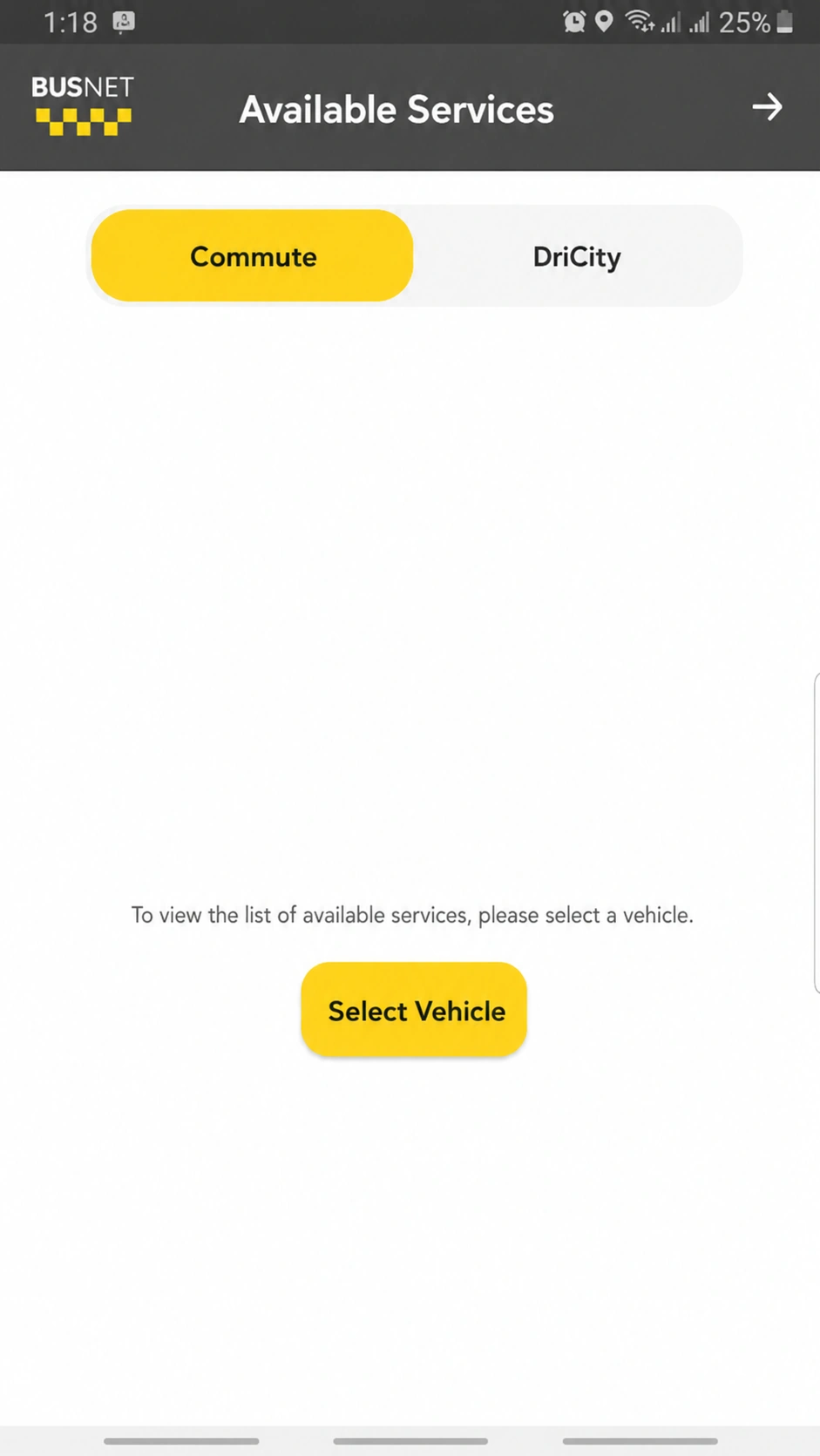
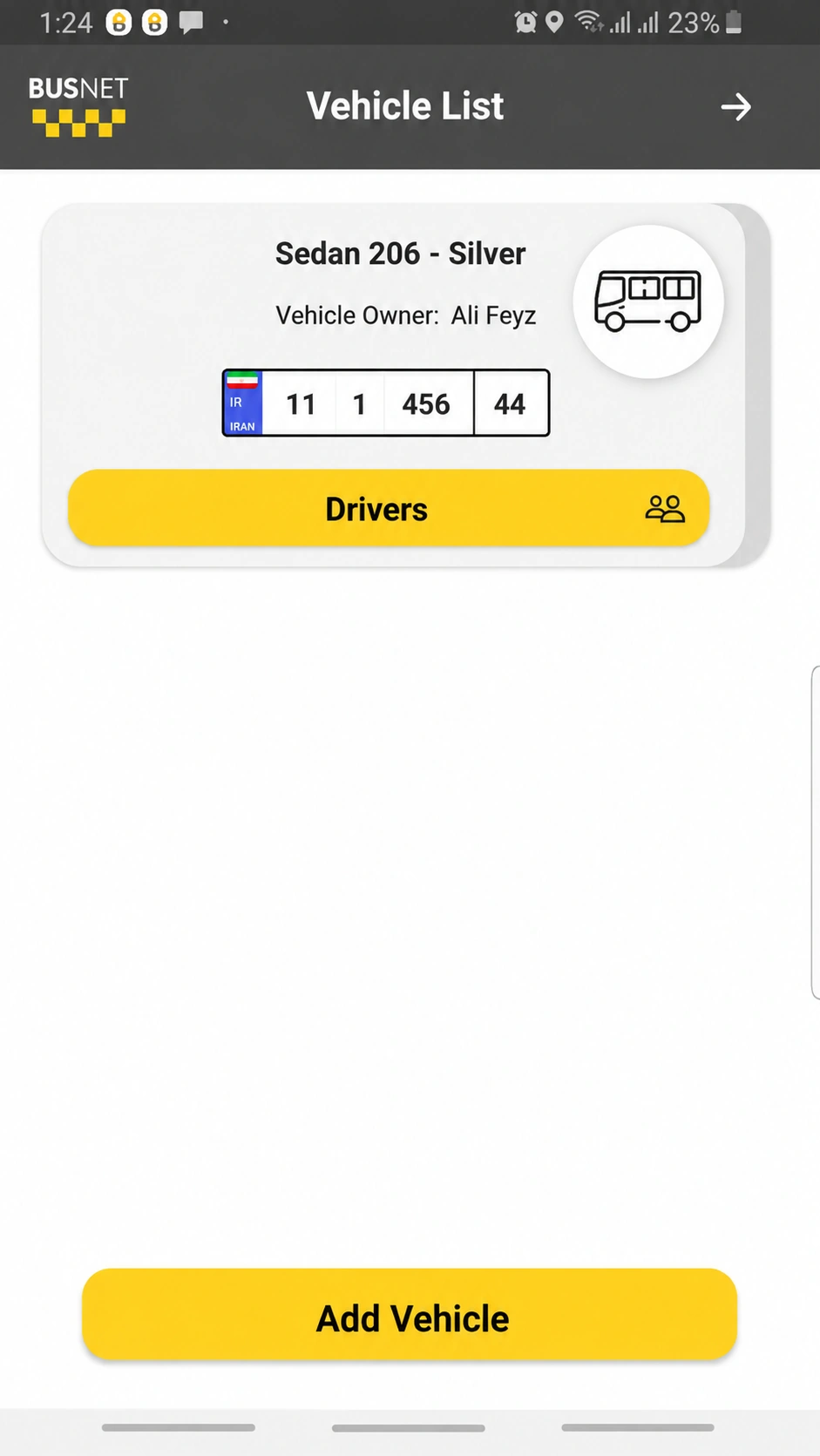
To do this, you can use the "Select Vehicle" option on the home page for the first time, or open the hamburger menu on the right, select "Vehicle List", and then click the "Add Vehicle" button.
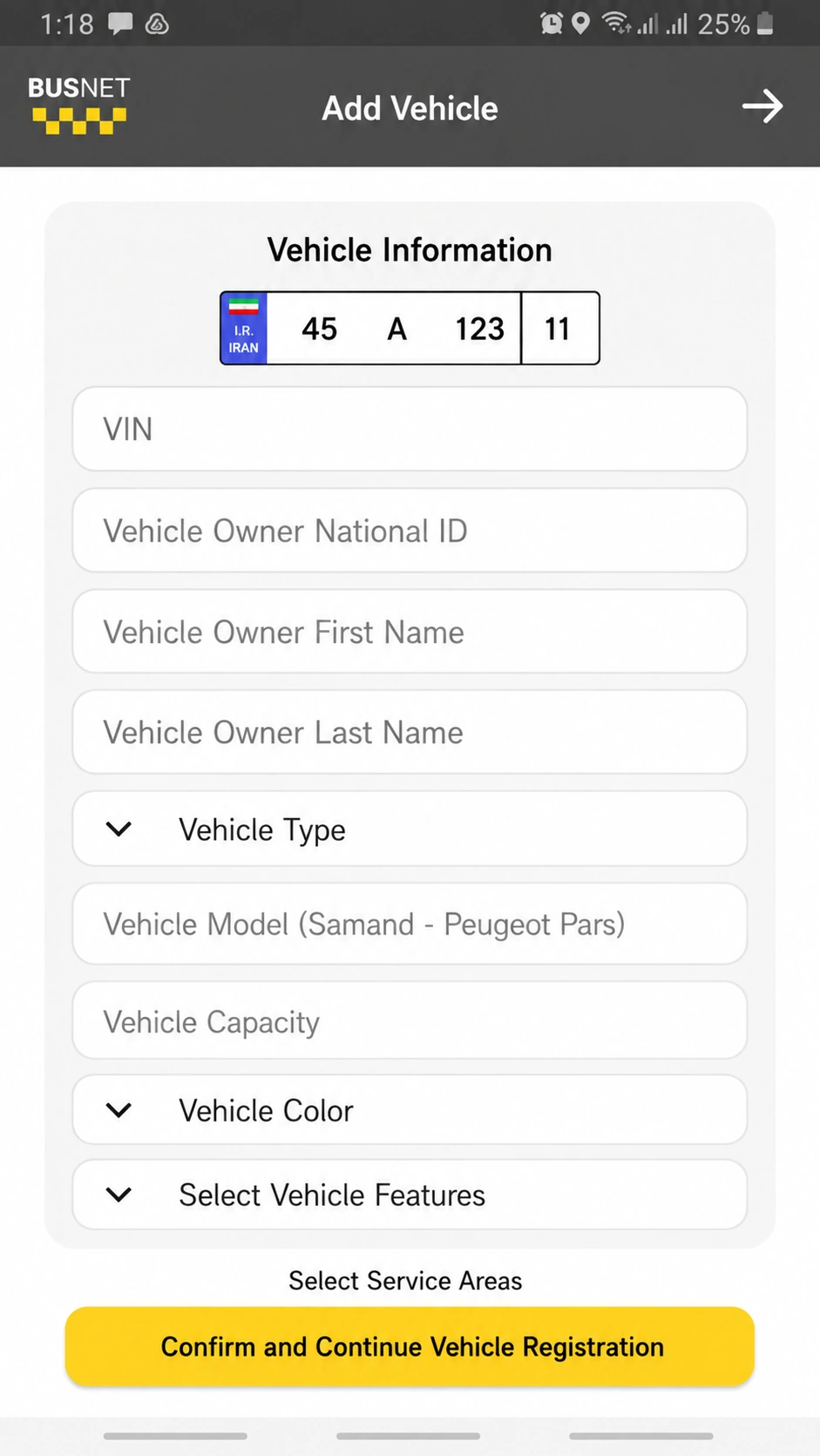
Then, complete your vehicle information in the form.
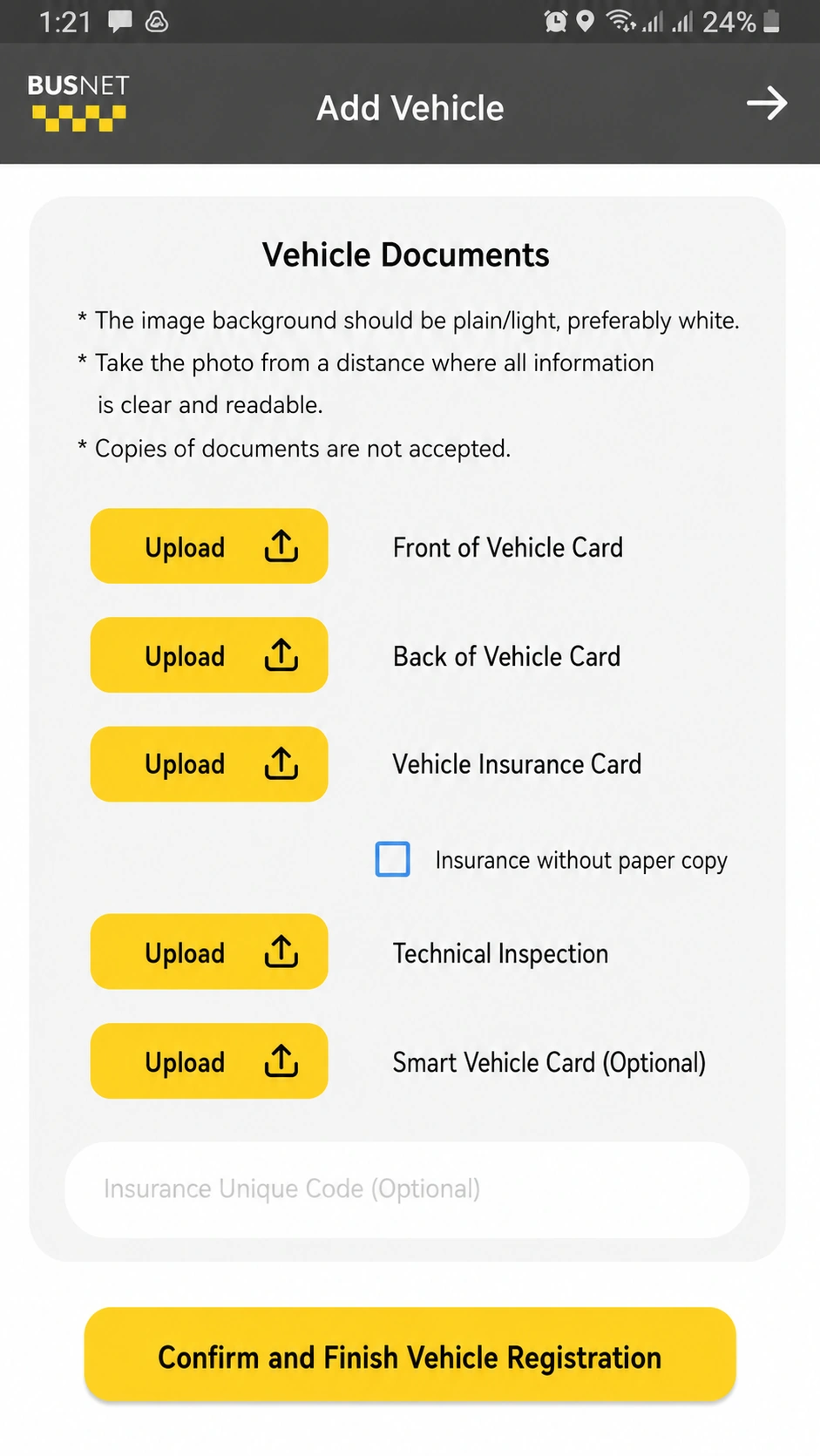
In the next step, you need to upload your vehicle documents, including the front and back of your national ID card, vehicle insurance card, technical inspection card, and smart vehicle card (optional).
The vehicle information will be registered and sent to the Busnet support team so that the accuracy of the information can be verified.
After receiving the vehicle information confirmation message, you need to select a driver for the vehicle in order to receive services. Select the "Drivers" option.
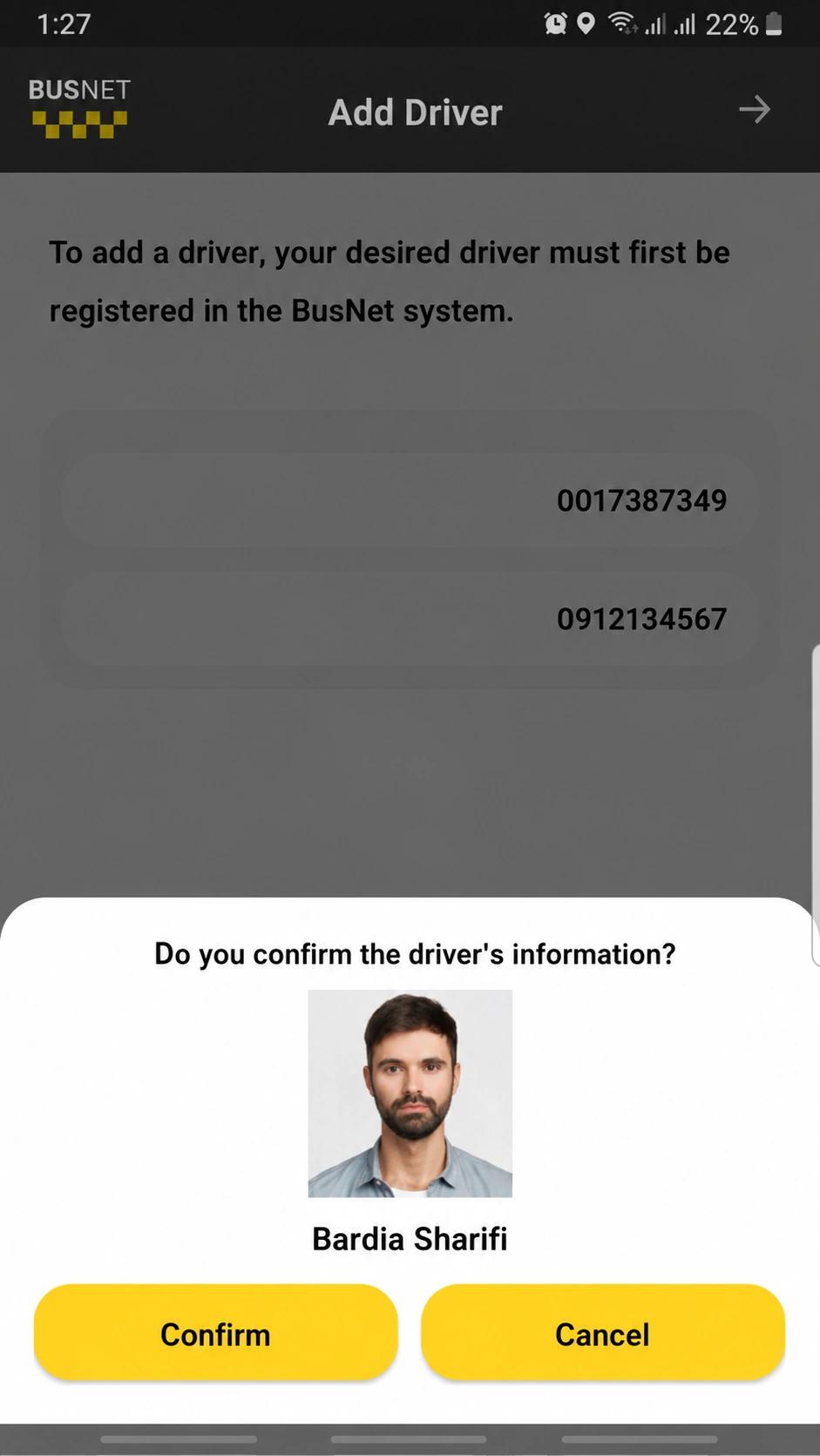
Please note that your driver must already be registered with Busnet. By entering the driver's national ID number and phone number, their information will be displayed to you.
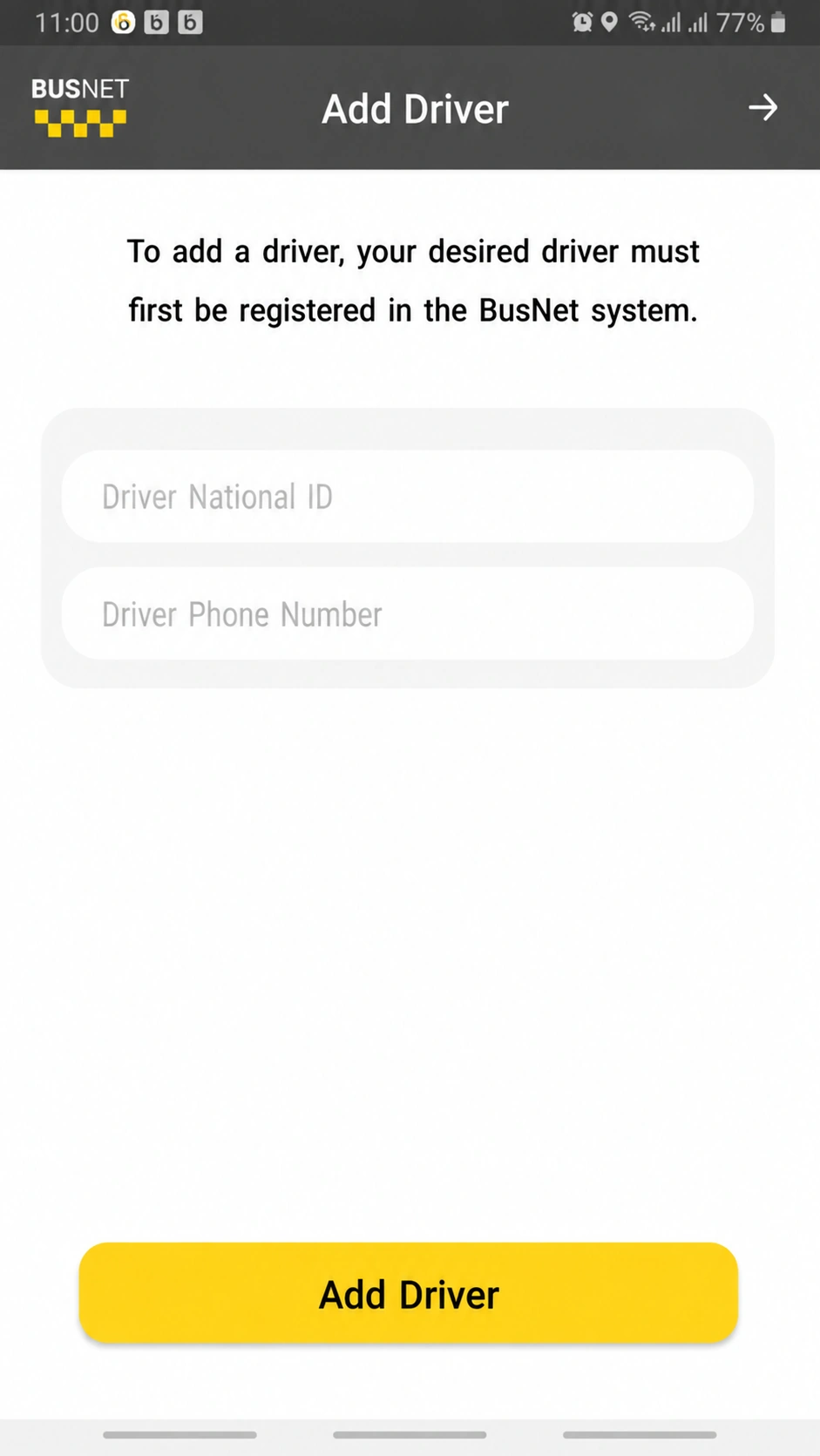
Then, confirm the selected driver.
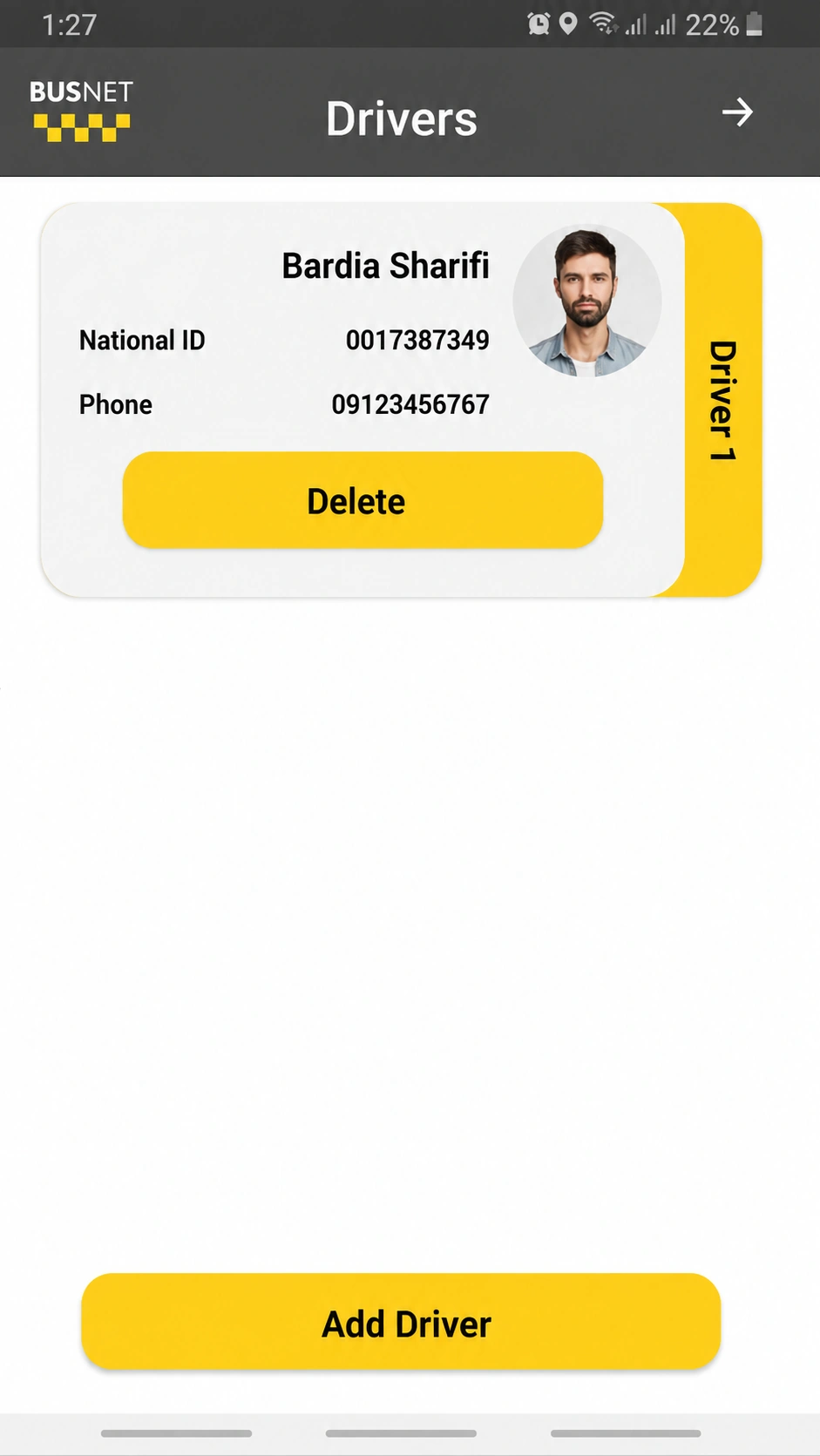
You can add more than one driver to a vehicle and view your list of drivers.
To receive a service again, return to the home page and press the "Get Service" button. You will then be able to view the available services on Busnet and request the services you need.
Congratulations, dear BusNet user!