

Step-by-Step Guide to Joining Line BusNet
A guide to registering, viewing services, and managing passengers in the BusNet application
To join Line BusNet, go to the Line section, first read the terms and conditions carefully, and then confirm your acceptance.
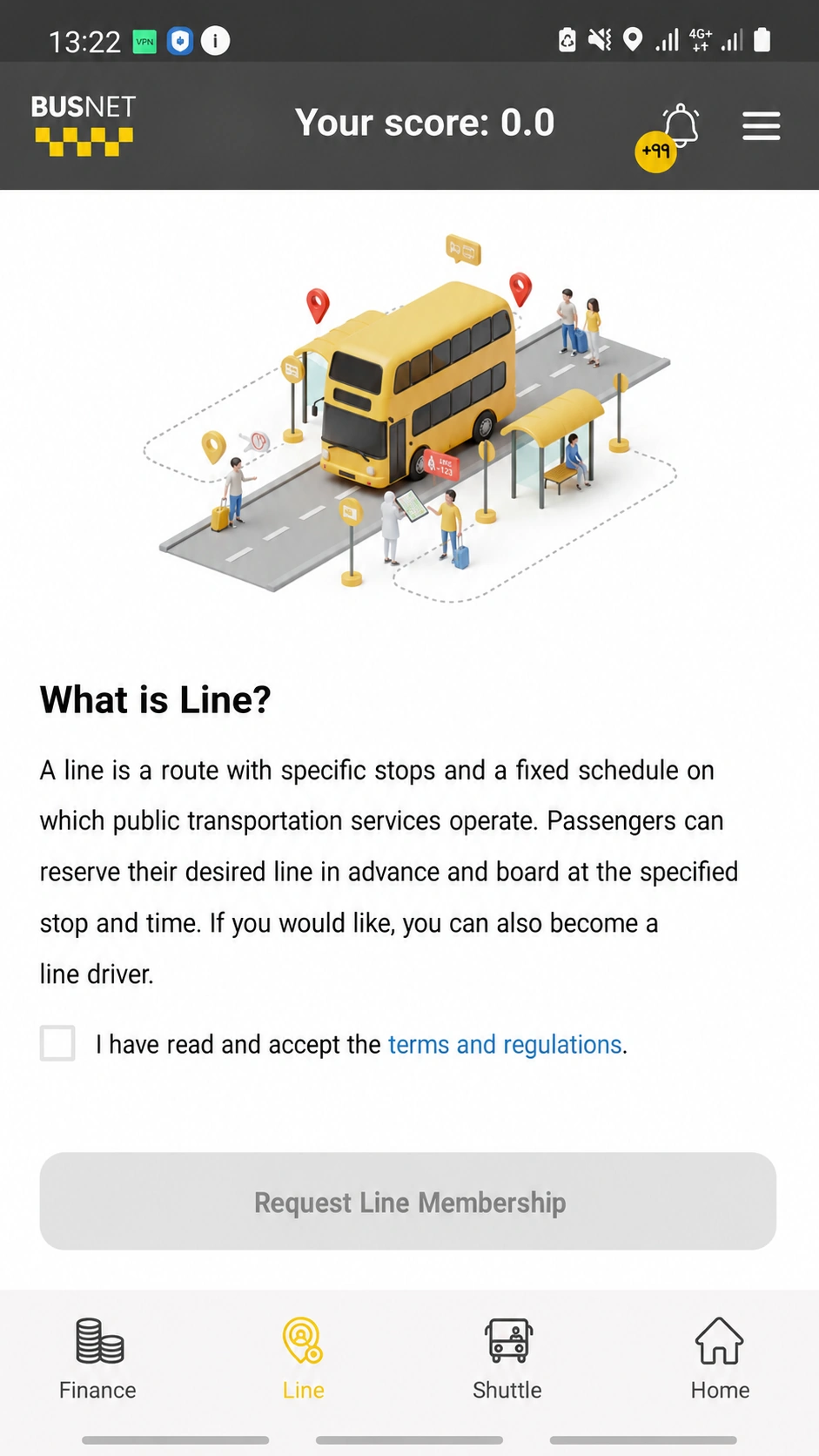
Then, click the “Request to Join the Line” button.
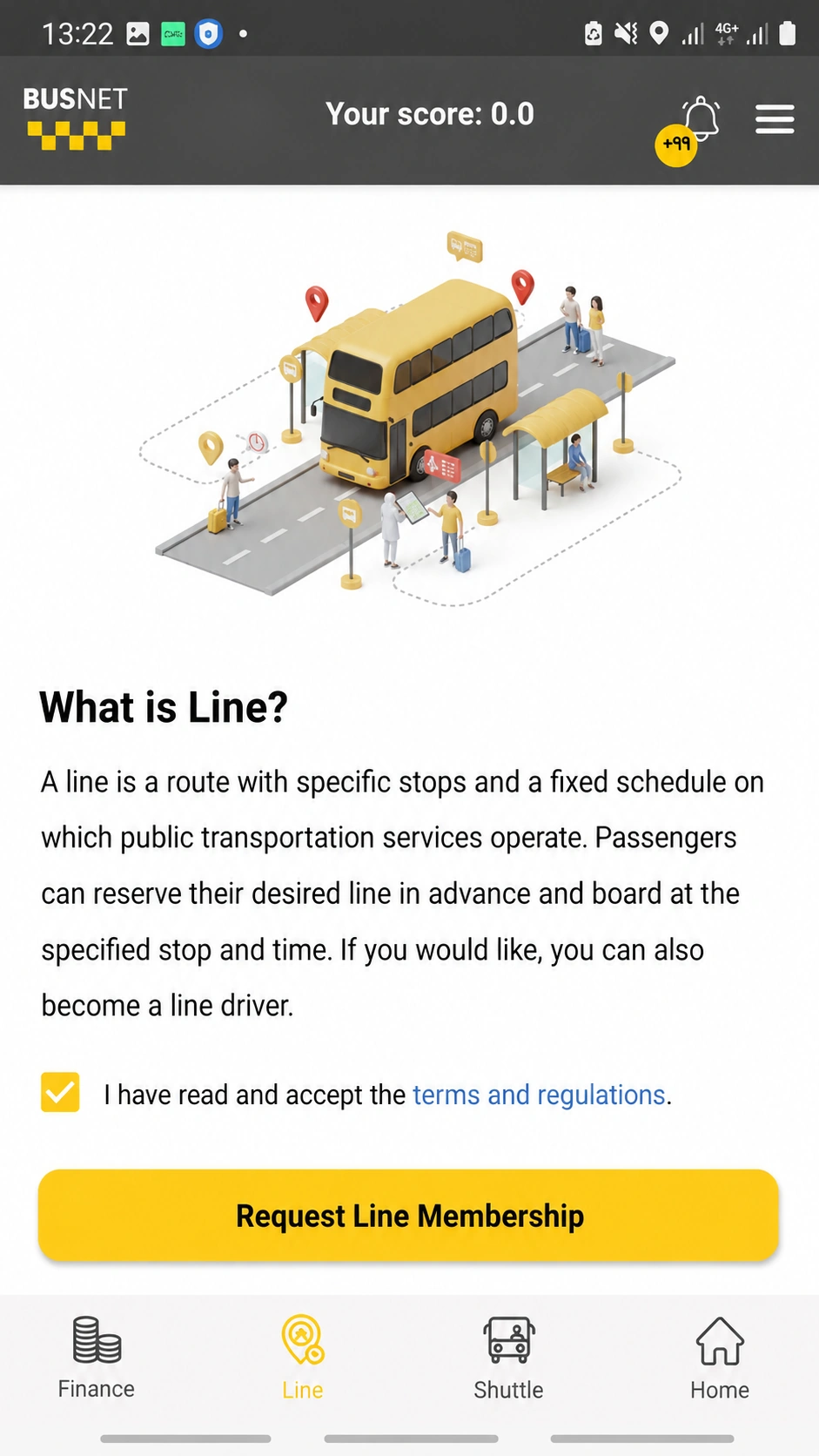
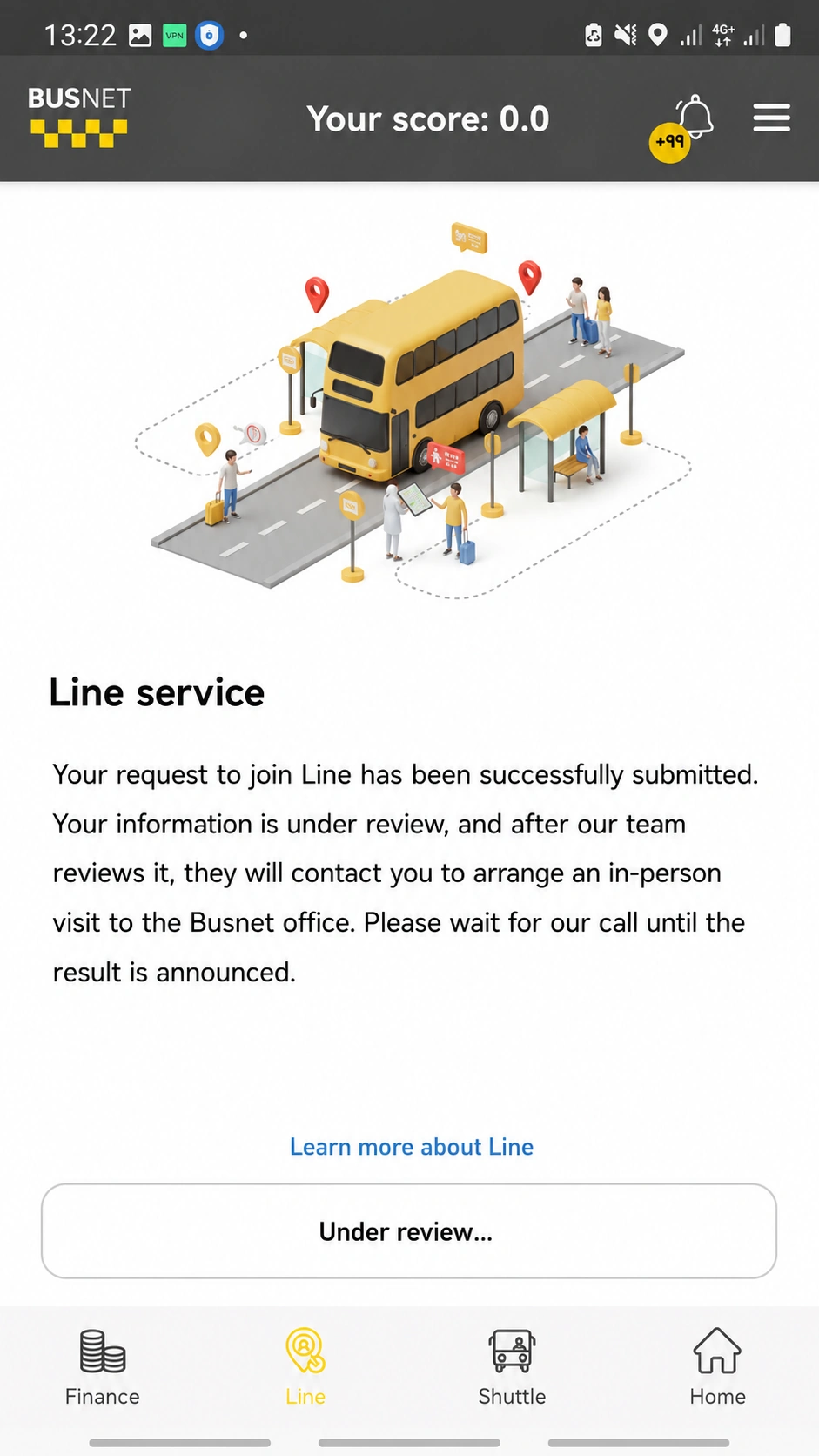
After submitting your membership request, please wait for approval from BusNet.
Once your membership request has been approved, you will be able to view services scheduled for the next 1 to 7 days from the “Line” section of the Driver application.
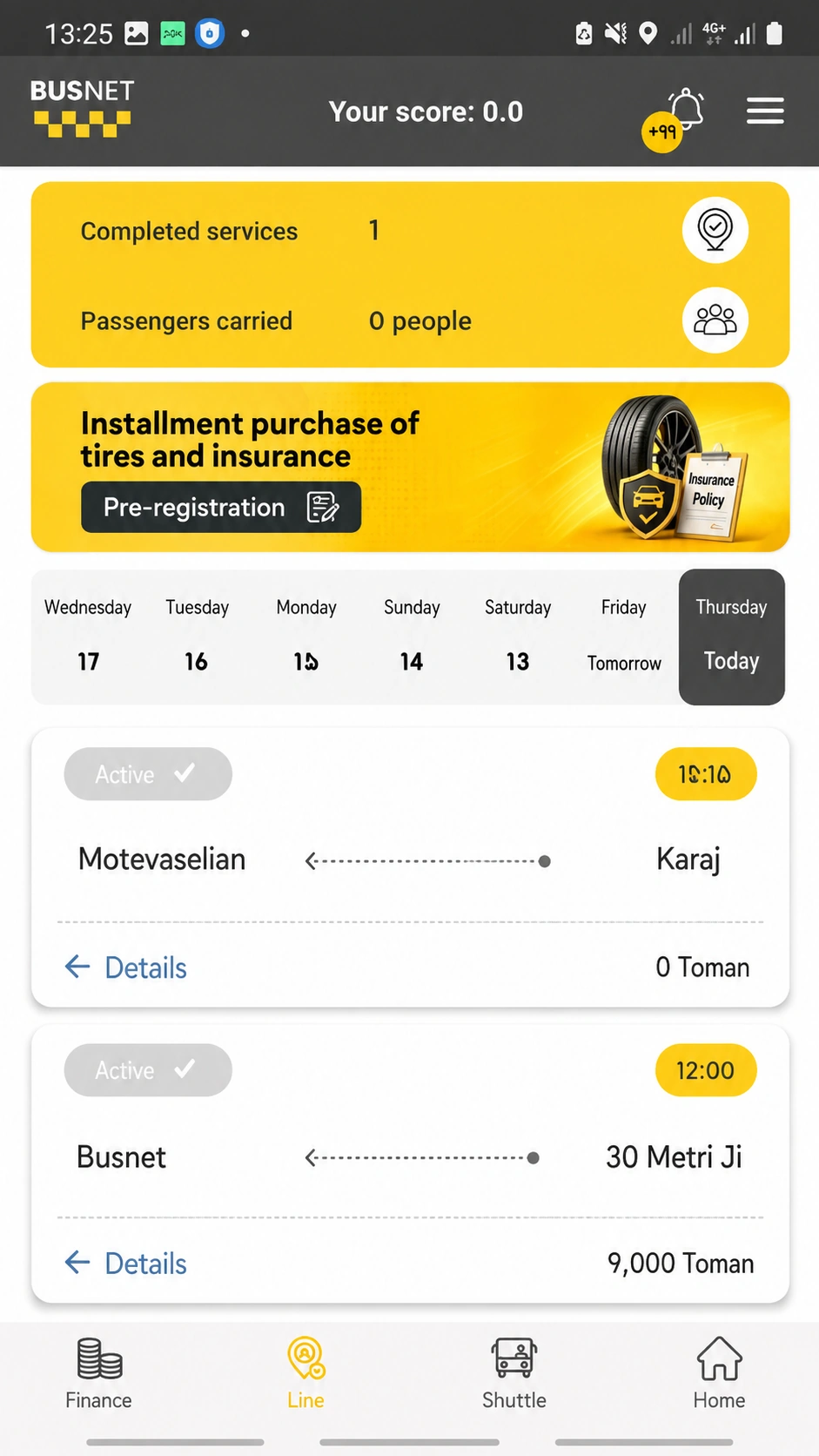
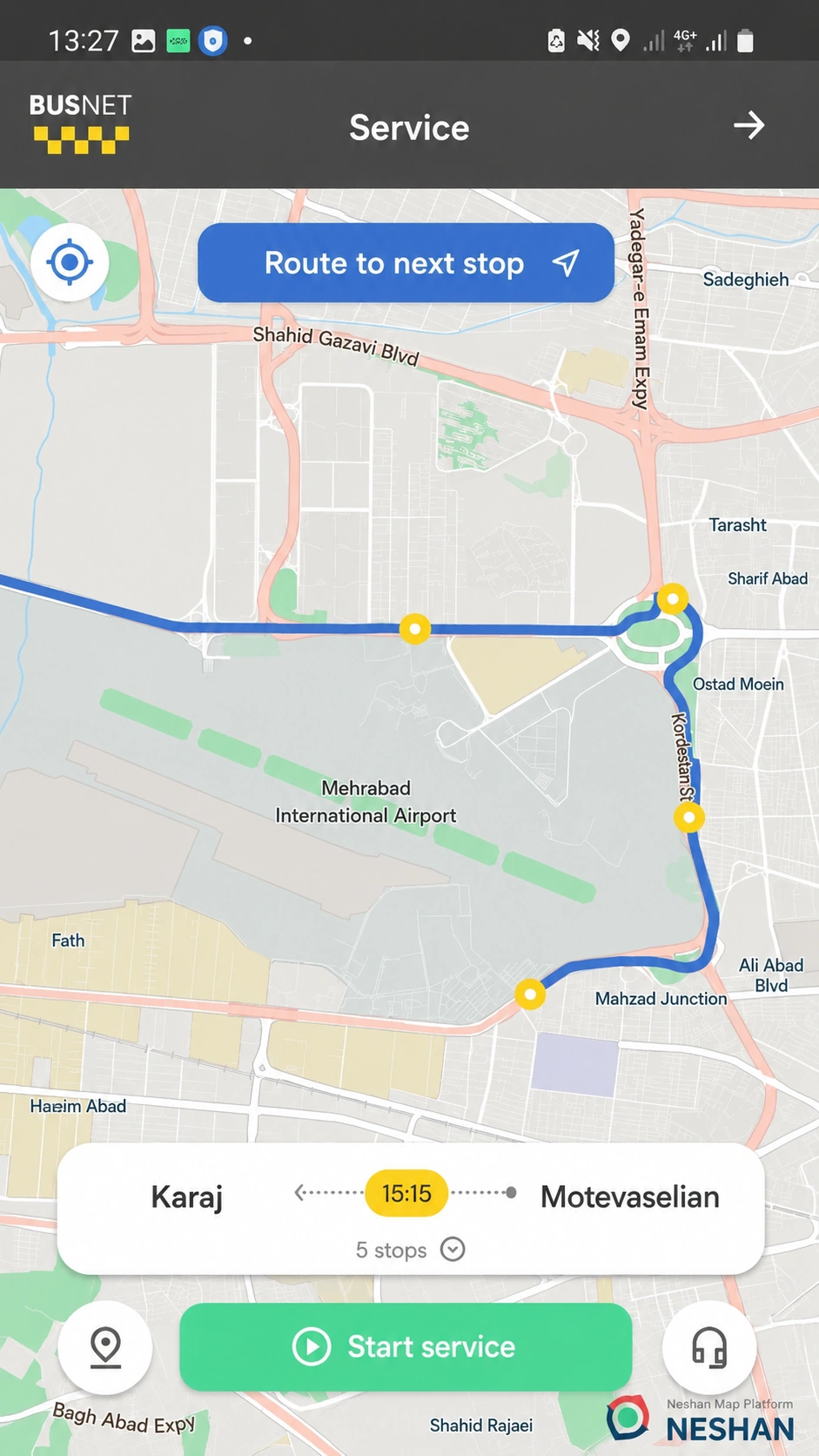
In this section, you can view the origin, destination, number of stops, and service start time.
From this section, you can view the list of passengers who will board or disembark at each stop.
Once confirmed, your service will begin.
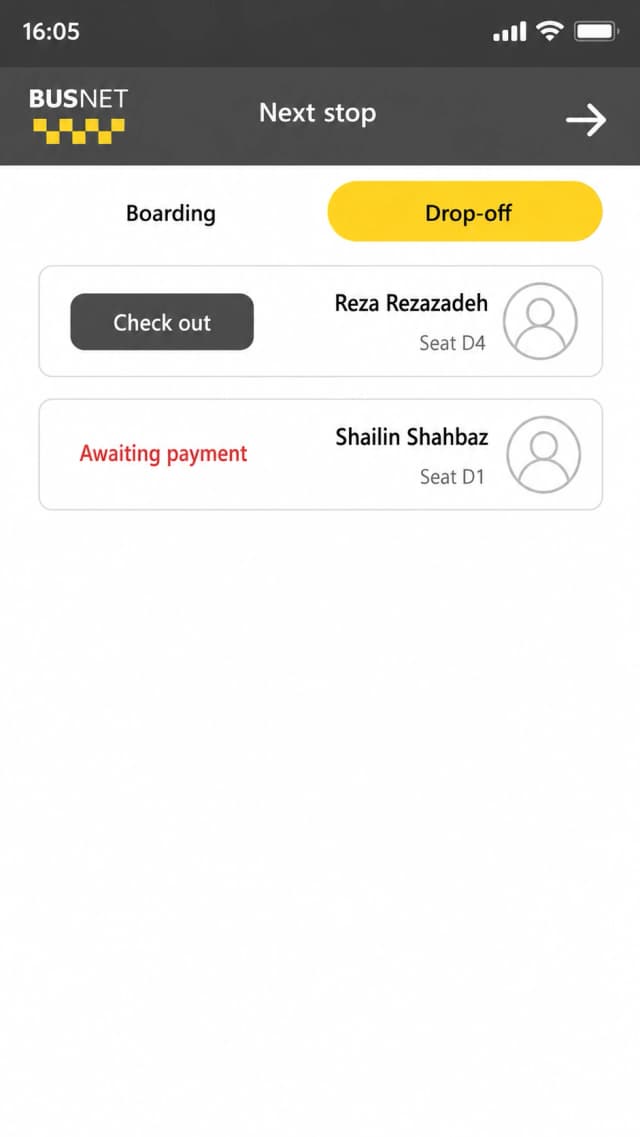
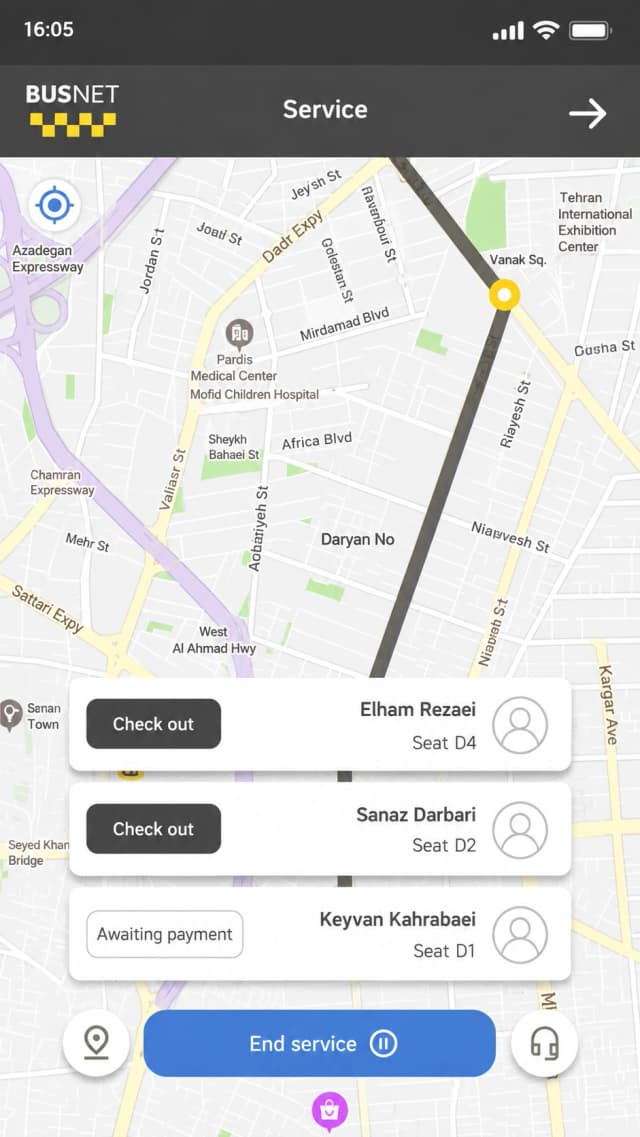
In this section, you can view the list of passengers who will disembark at each stop. Please note that passengers are not permitted to disembark until the full service fare has been settled. Cash payments from passengers are not accepted. In case of any issue or if a passenger’s phone is turned off, please contact support.
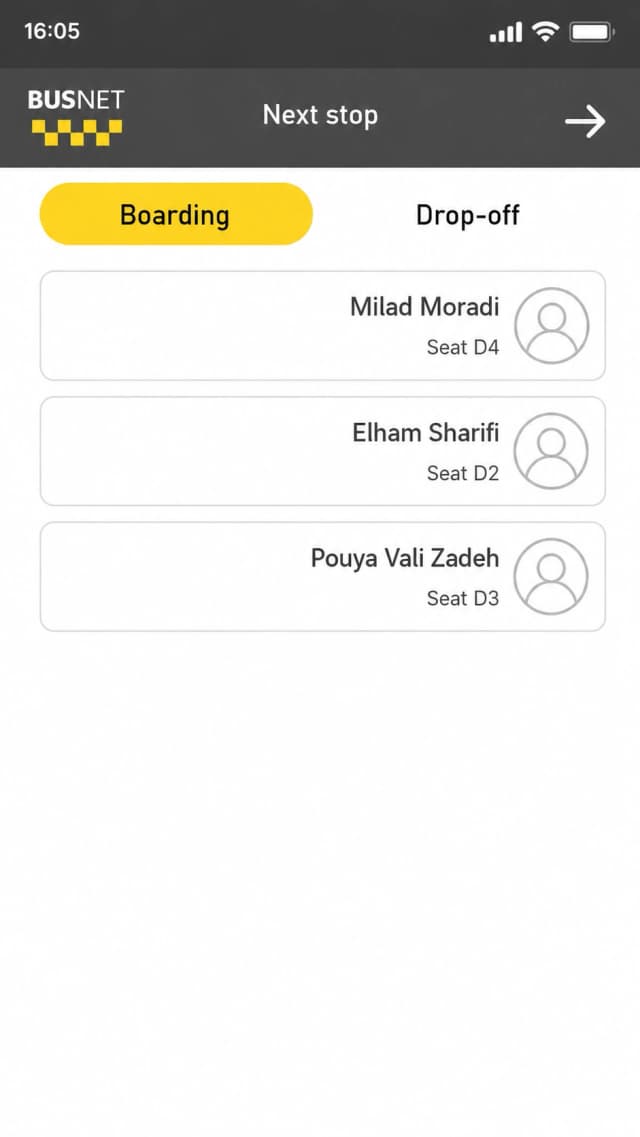
In this section, you can view the list of passengers who will board at each stop.
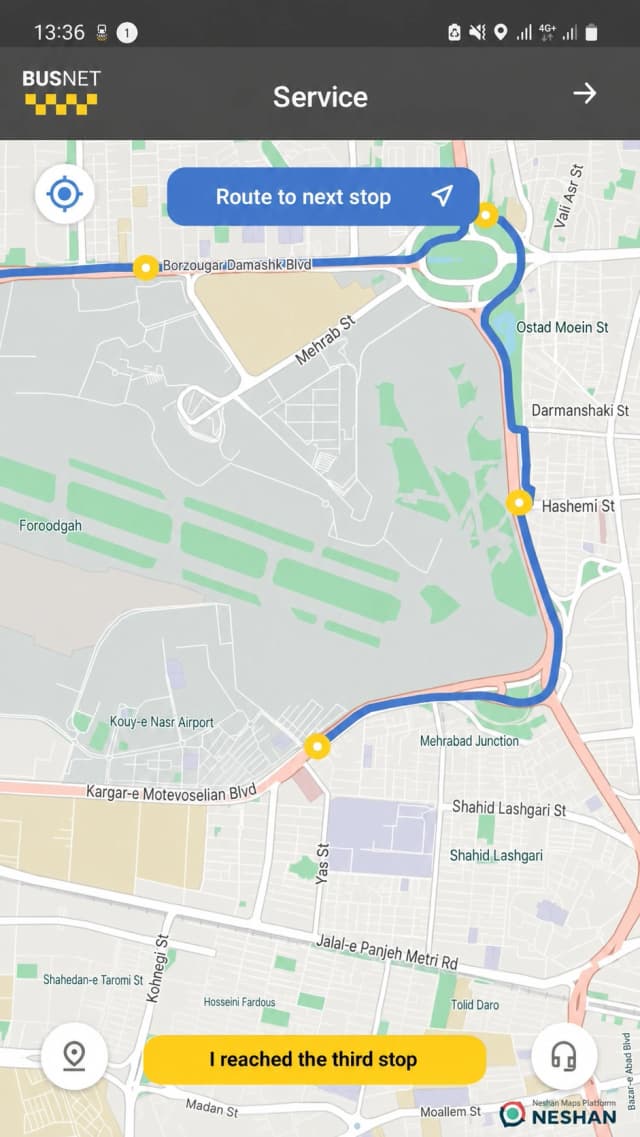
From this section, you can navigate the route to the designated stops.
Once you arrive at the designated stop, click the “I’ve Arrived at the Stop” button.
Once you arrive at the final stop, click the “End Service” button.
After completing all the steps, if you encounter any issues or have any questions, please contact the company’s support team. Additional training materials are also available at the link below.
Additional TrainingThank you for your attention