
How to check in and pay for your service?
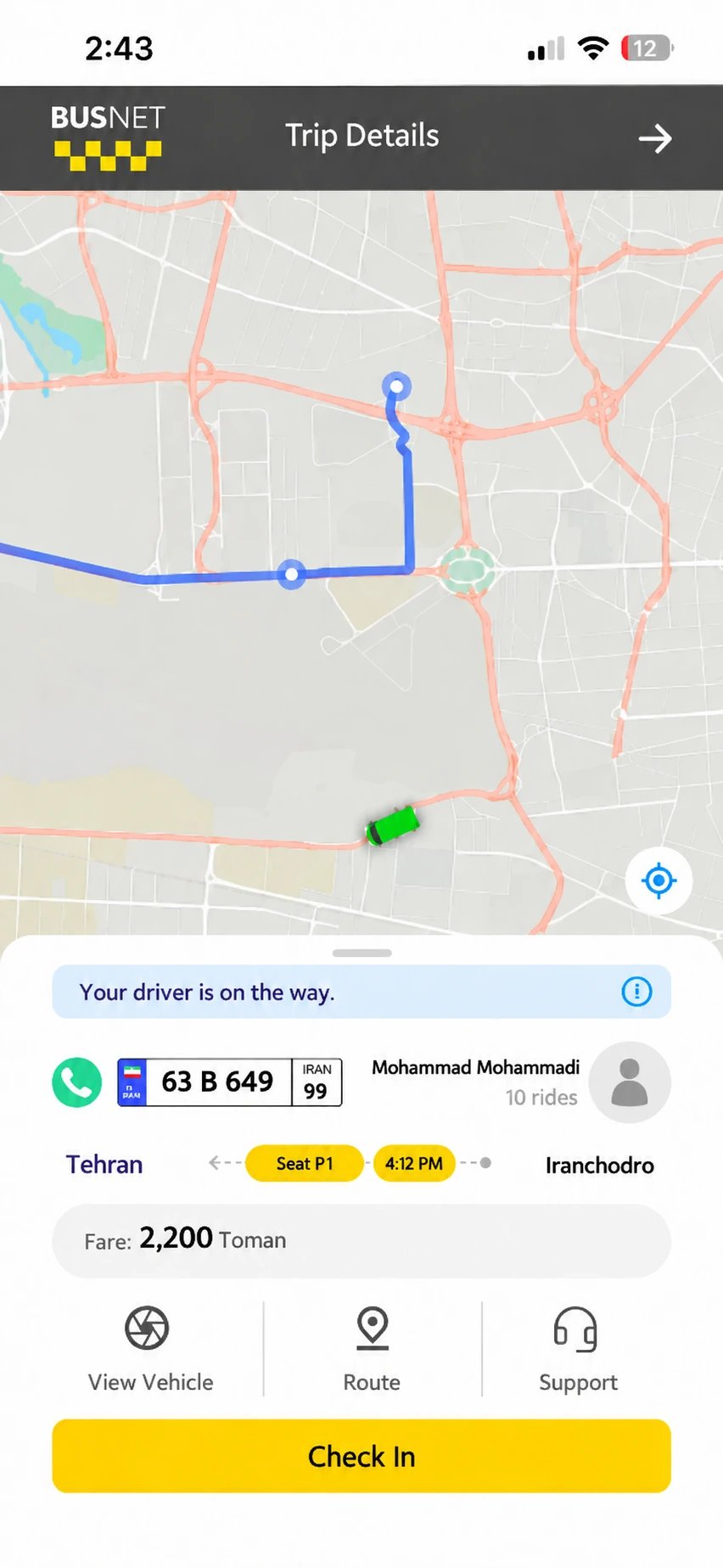
Checking in on Busnet:• After boarding the vehicle, open the “Trip Details” page. • Tap “Check In”. • If you have used the service, you can pay the trip fare after checking in. • If you did not use the service, you do not need to make a payment.
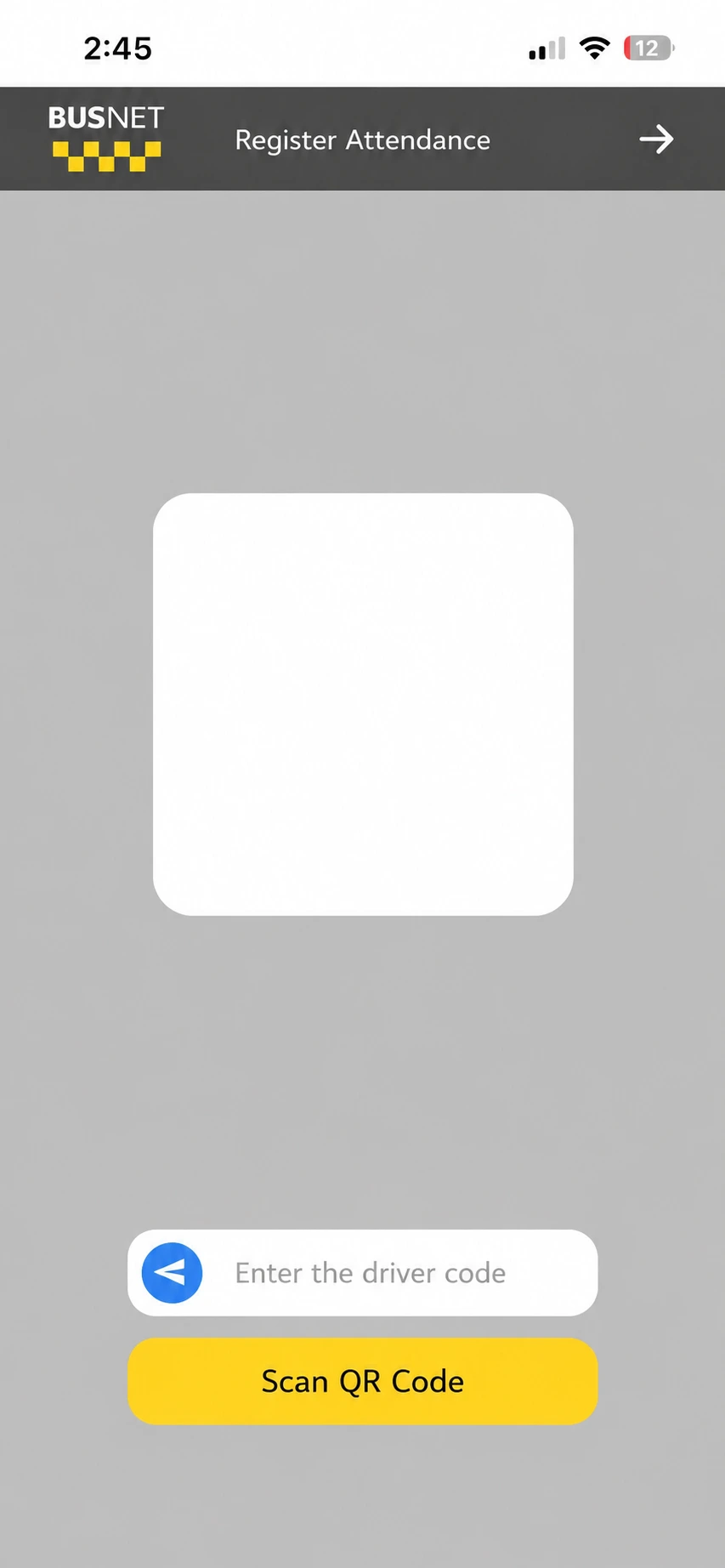
Checking in with a QR code or driver code:• Scan the driver's QR code using your phone's camera, or enter the driver's code manually. • Confirm the information you entered.
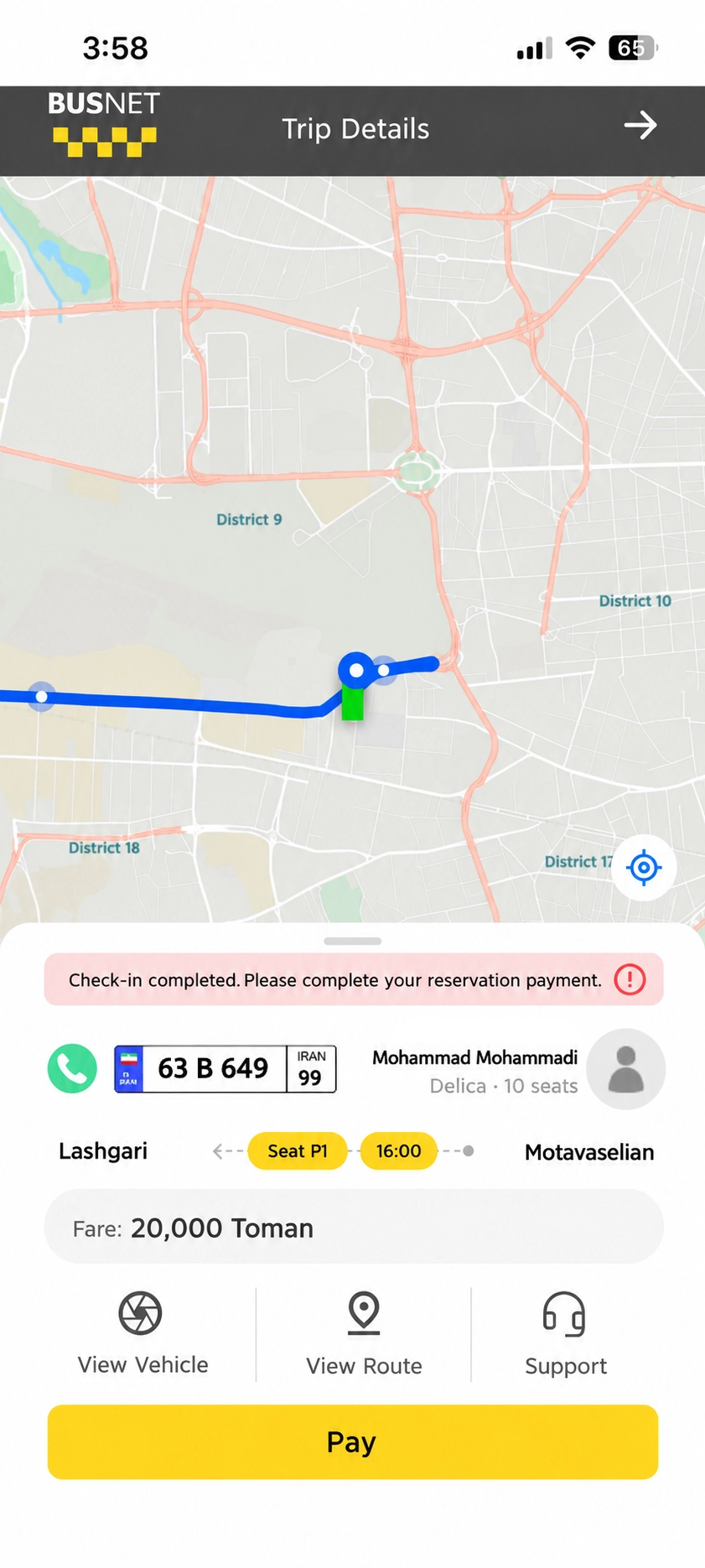
Starting the payment process:• After successfully checking in, tap “Pay”. • You will then proceed to the service payment process.
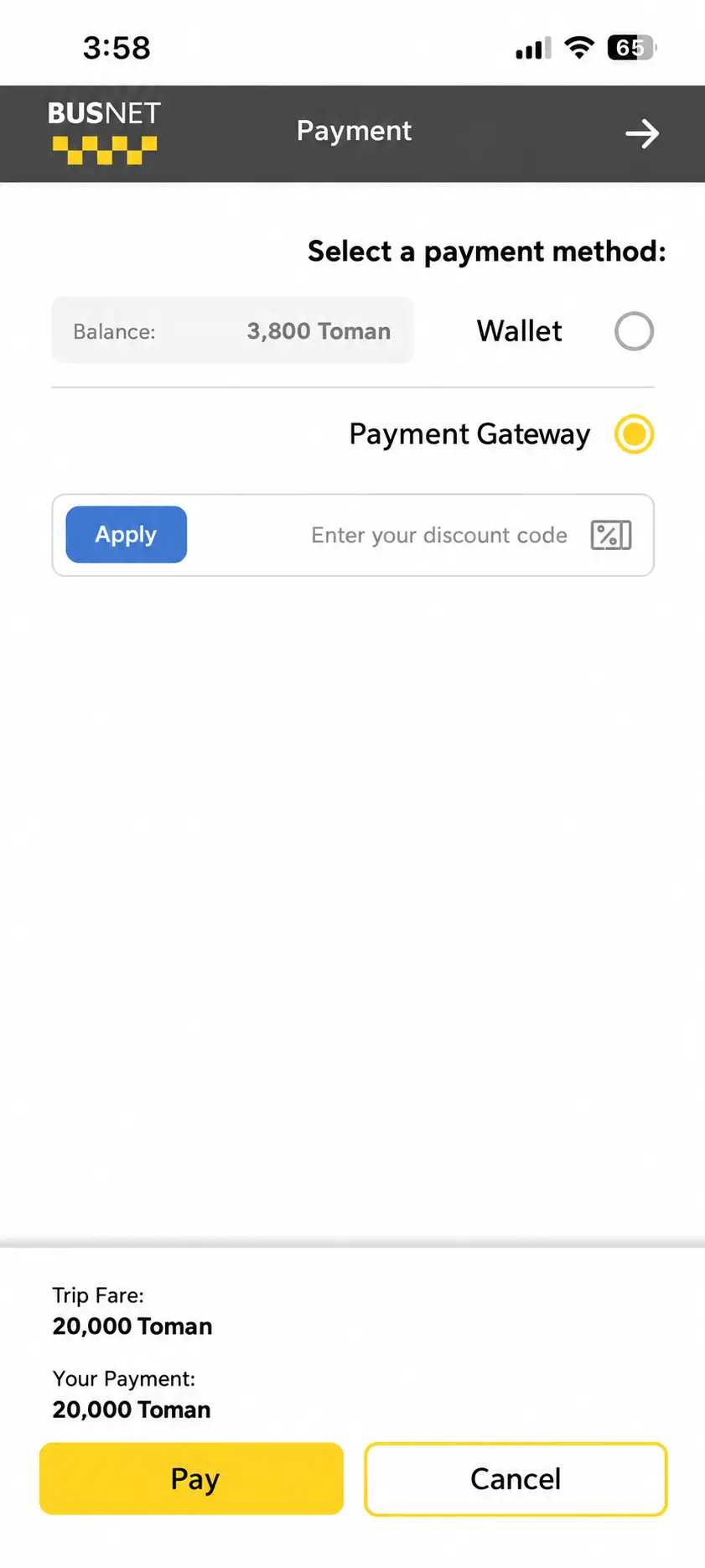
Choosing a payment method:• You can choose one of two payment methods to pay for the service. • Payment is available via “Wallet” or “Online Payment Gateway”.
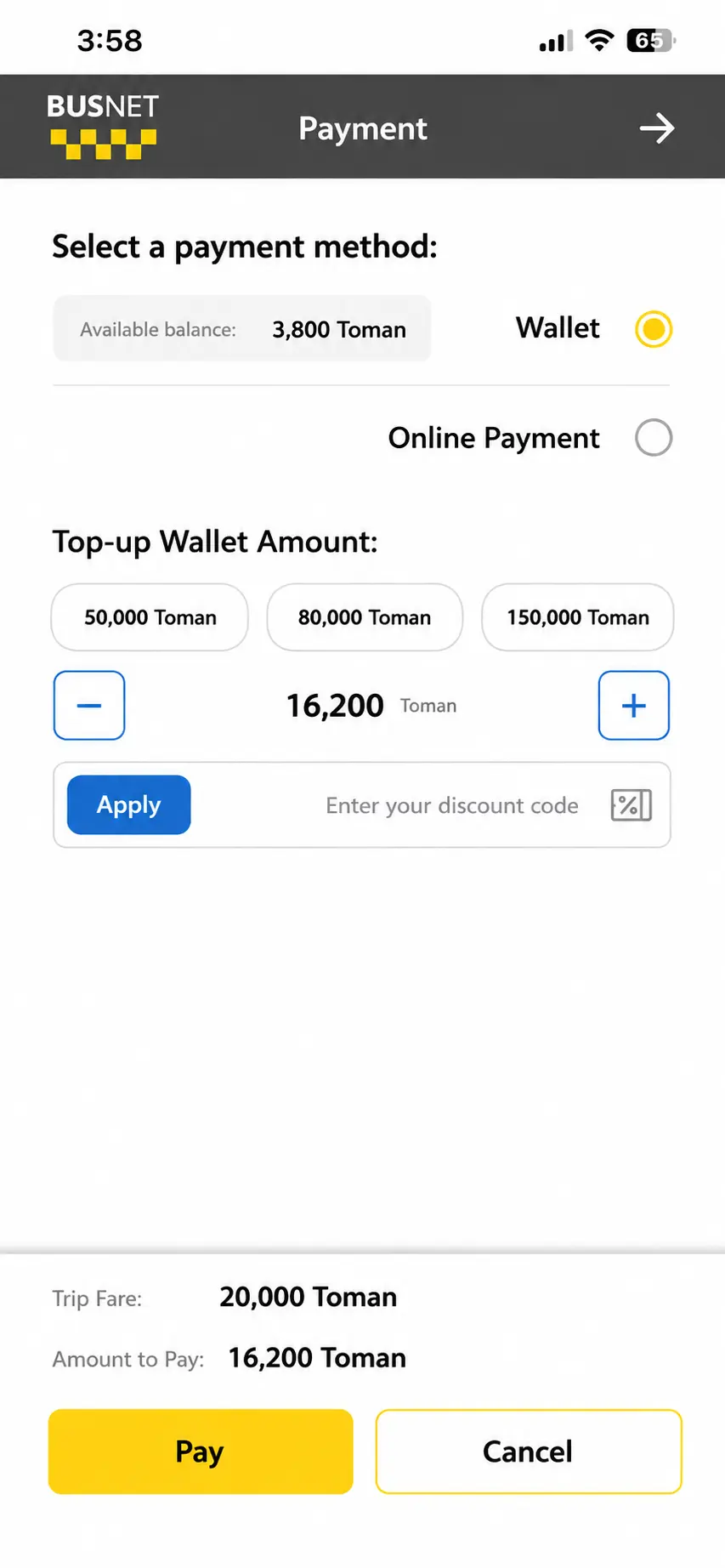
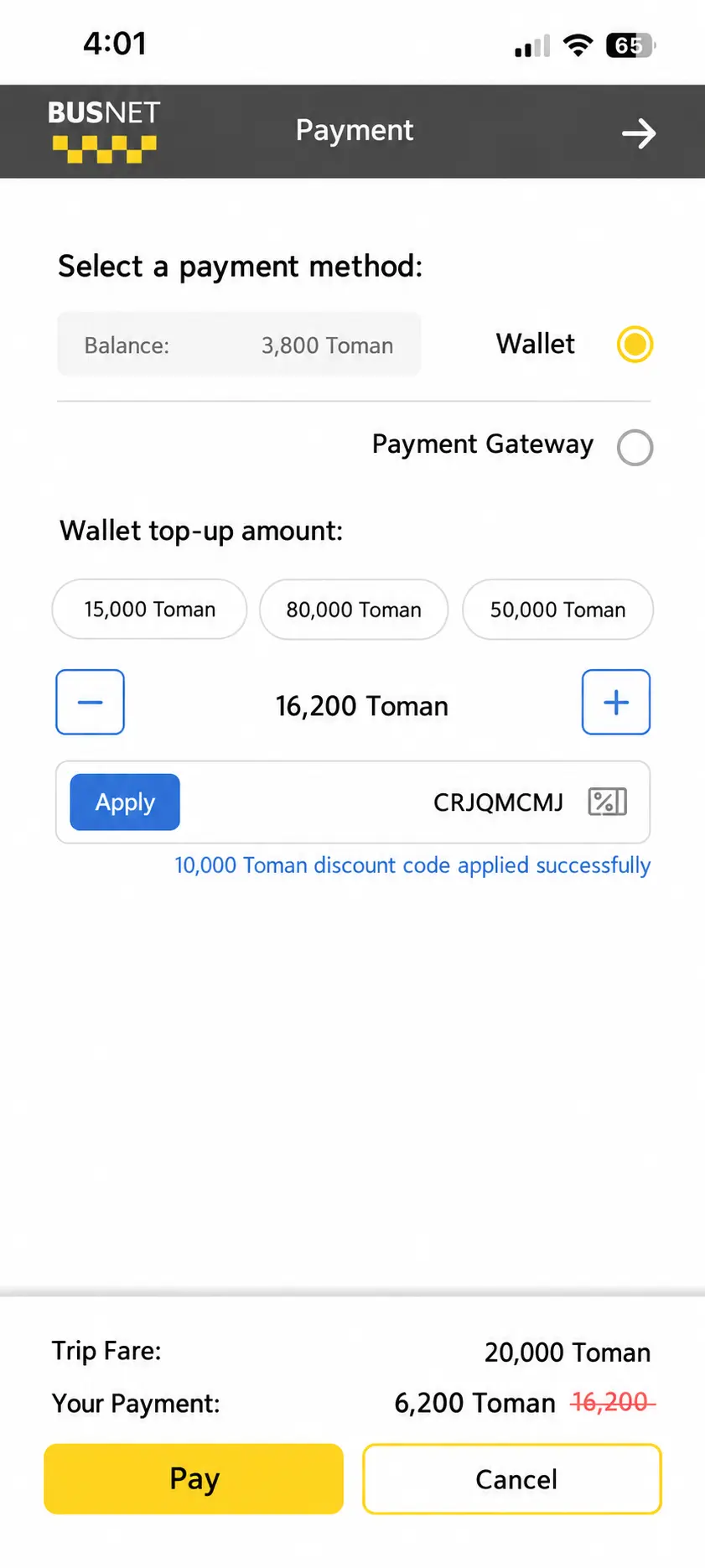
Applying a discount code:• If you have a discount code, you can enter and apply it at this stage.
Paying through the online gateway:• If you select “Online Payment Gateway”, tap “Pay”. • You will then be redirected to the online payment gateway, where you can enter your payment details and complete the transaction.
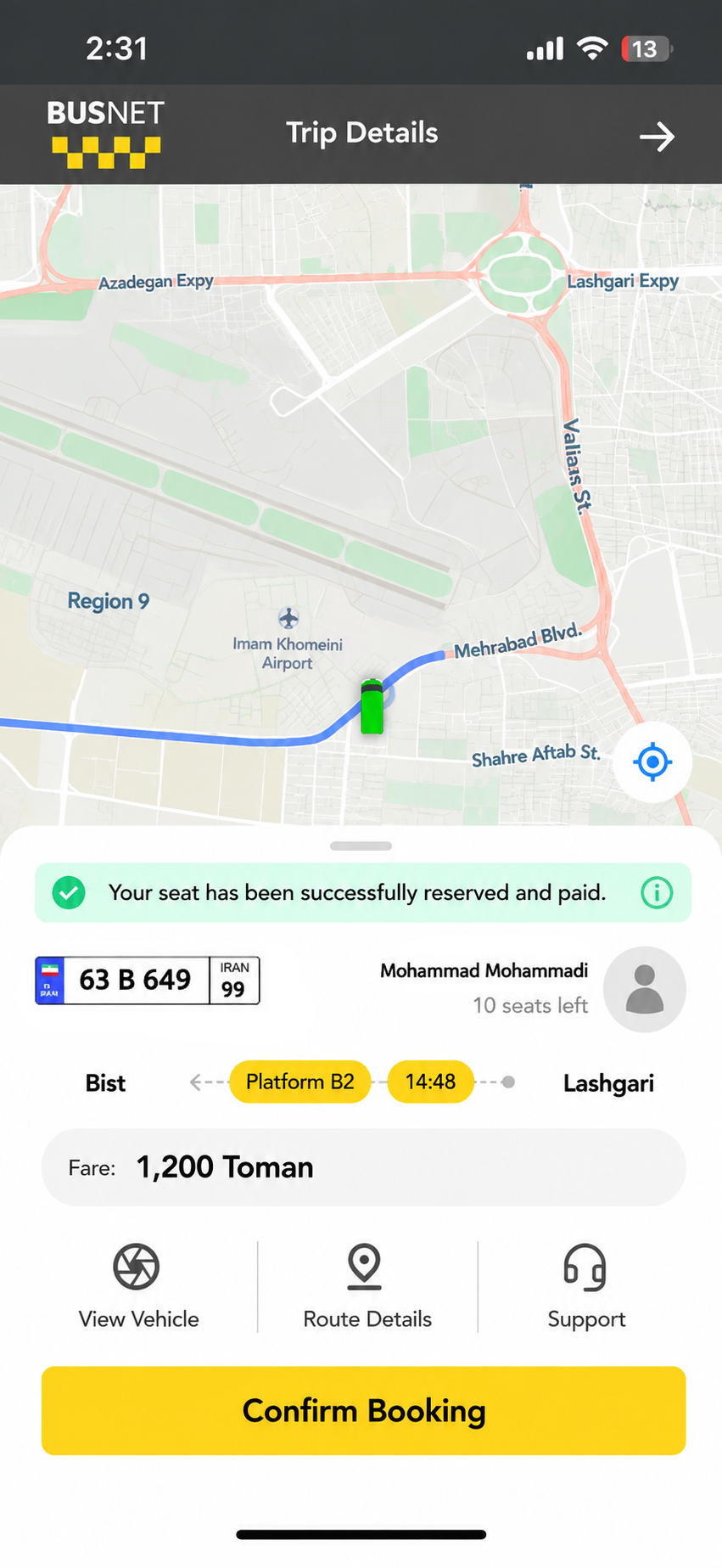
Confirming the payment:• Once the payment process is complete, the payment result will be displayed. • If the payment is successful, the service fare has been paid successfully.
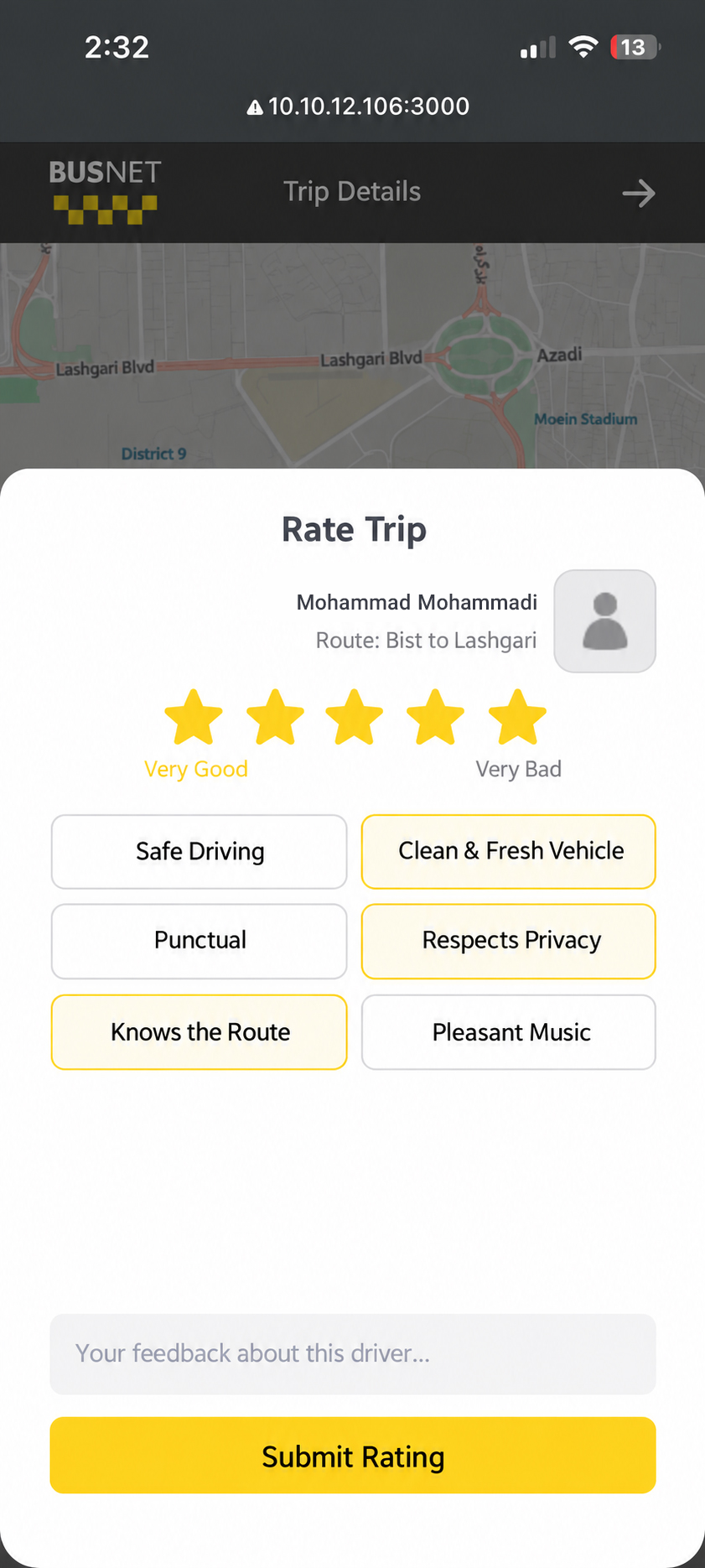
Rating your trip:• After a successful payment, you can share your experience of the trip. • By submitting a rating and review, you can help improve the quality of Busnet services.
Thank you for your attention