

How to suggest a new route?
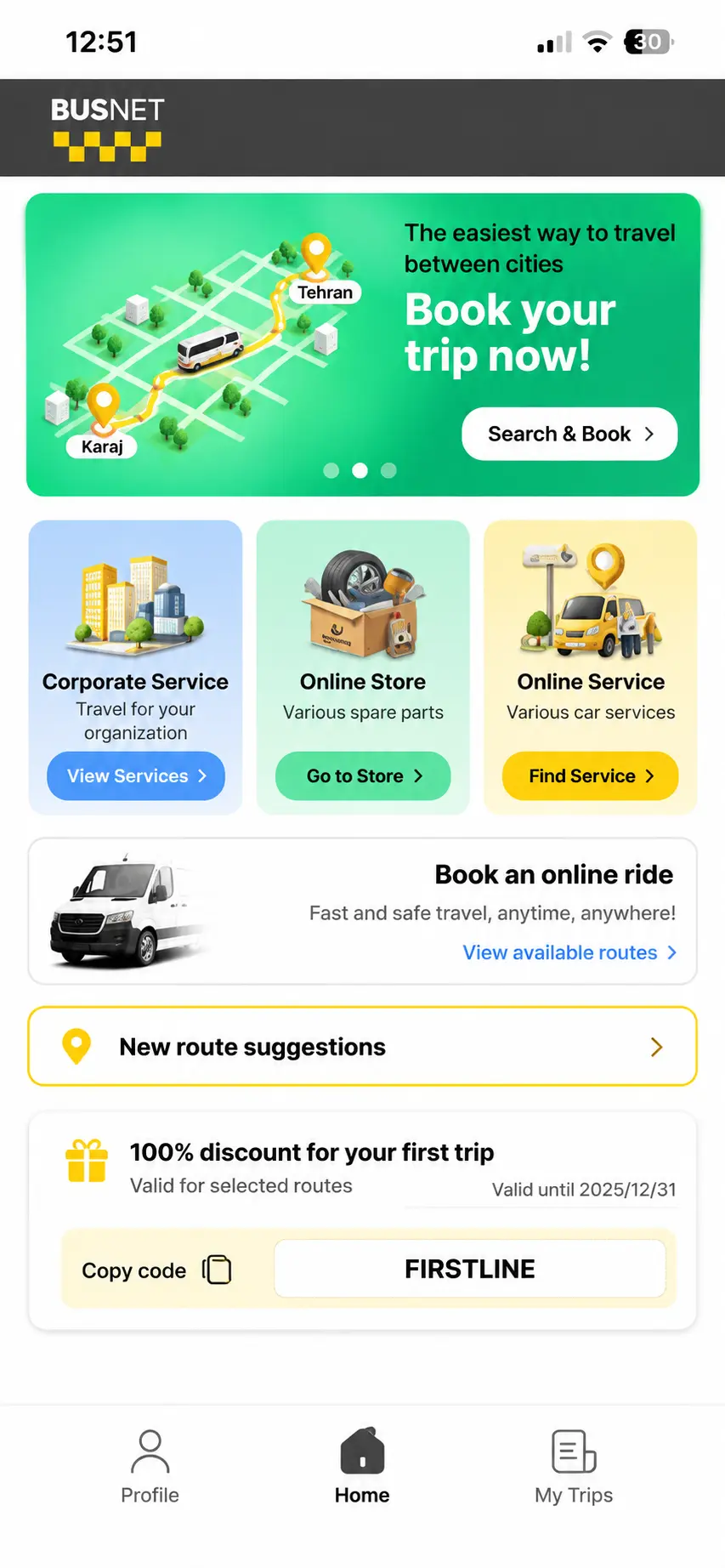
Suggesting a new route in Busnet:• On the home screen, tap “Suggest a New Line Route”.
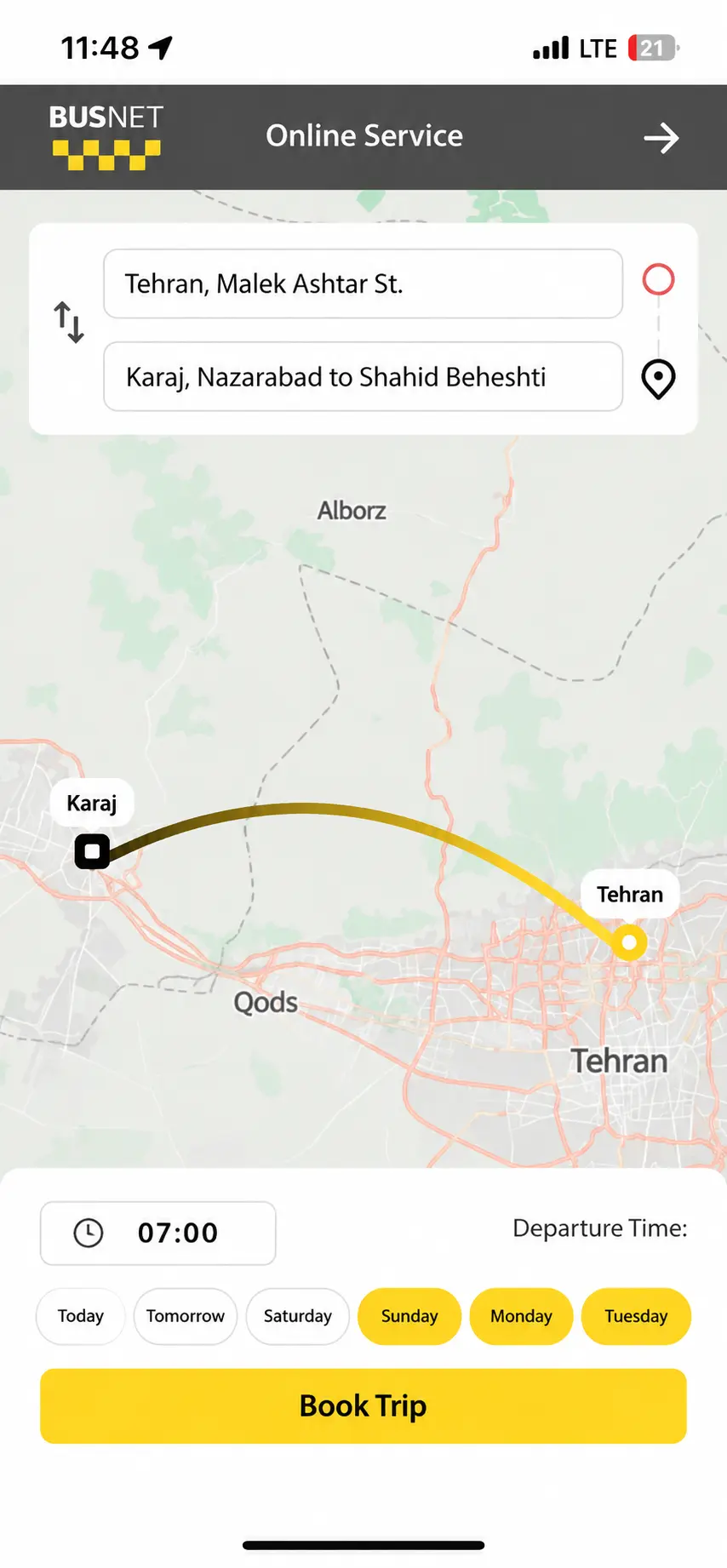
Submitting a new route:• Specify your desired origin and destination. • Select your preferred departure time. • Select the days of the week you would like to travel. • Tap “Submit”. • Your route suggestion will be submitted for review.
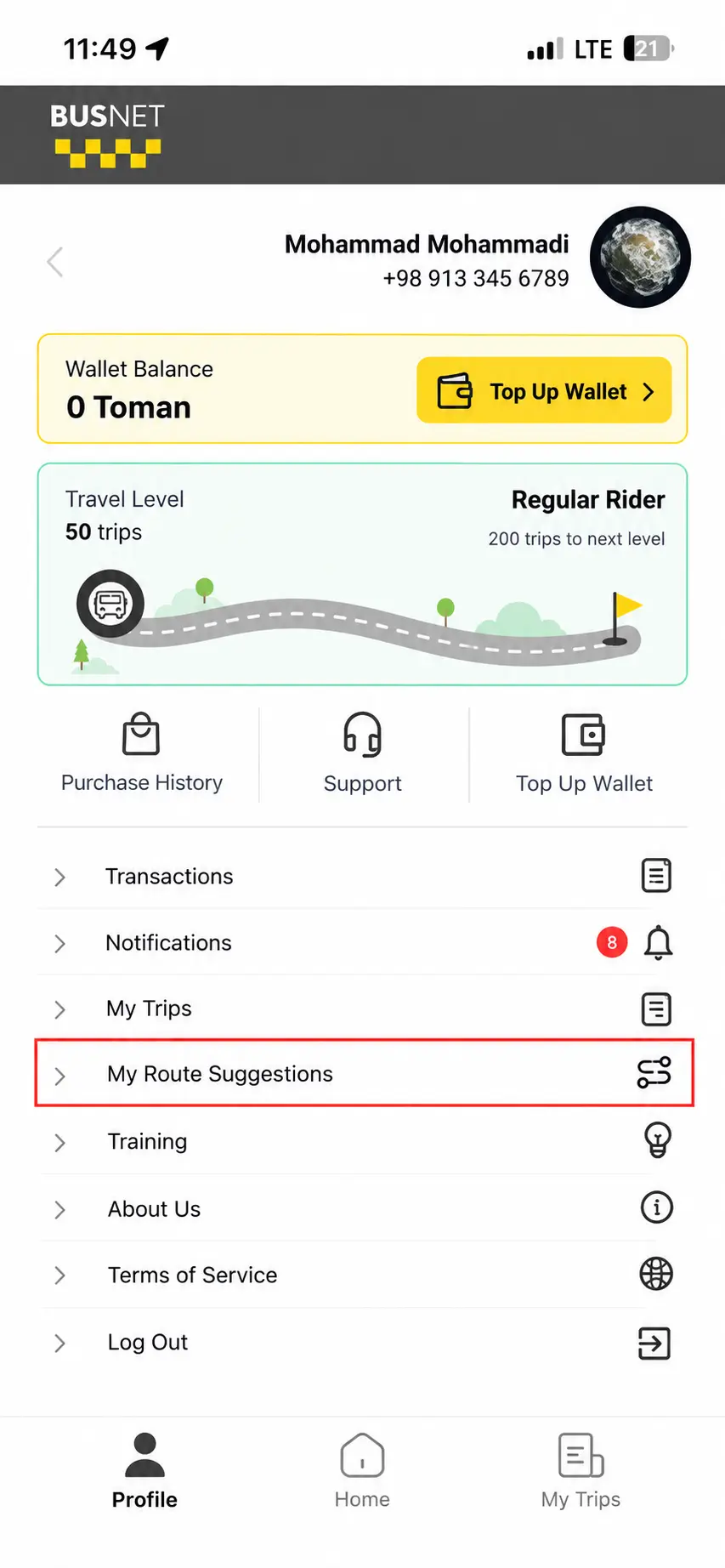
My Suggestions:• Go to “Profile”. • Select “My Suggested Stops”.
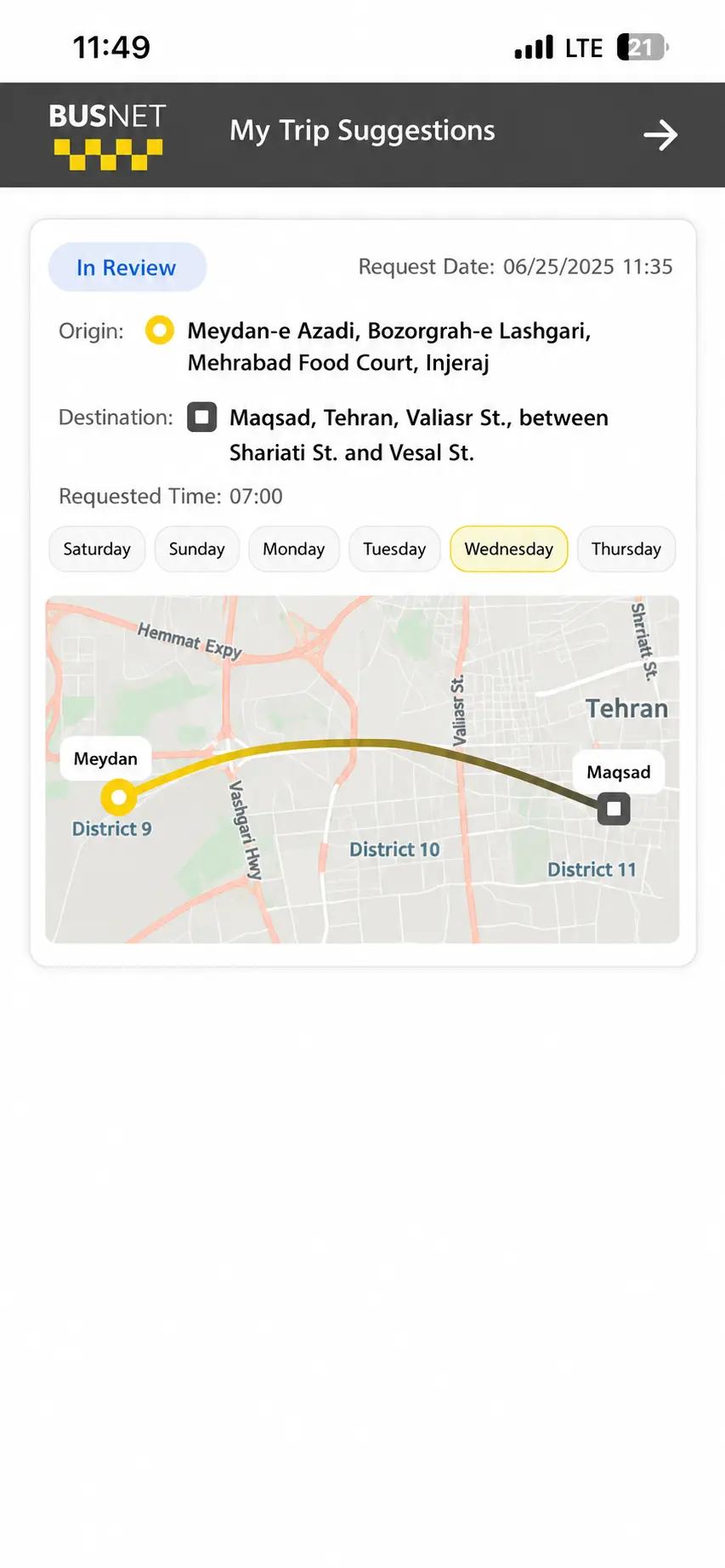
Suggestion Status:• View the status of your request in this section. • The submission date, origin, destination, time, and selected days are displayed. • View the suggested route on the map. • You will be notified of the review result via SMS.
Congratulations, dear BusNet user!